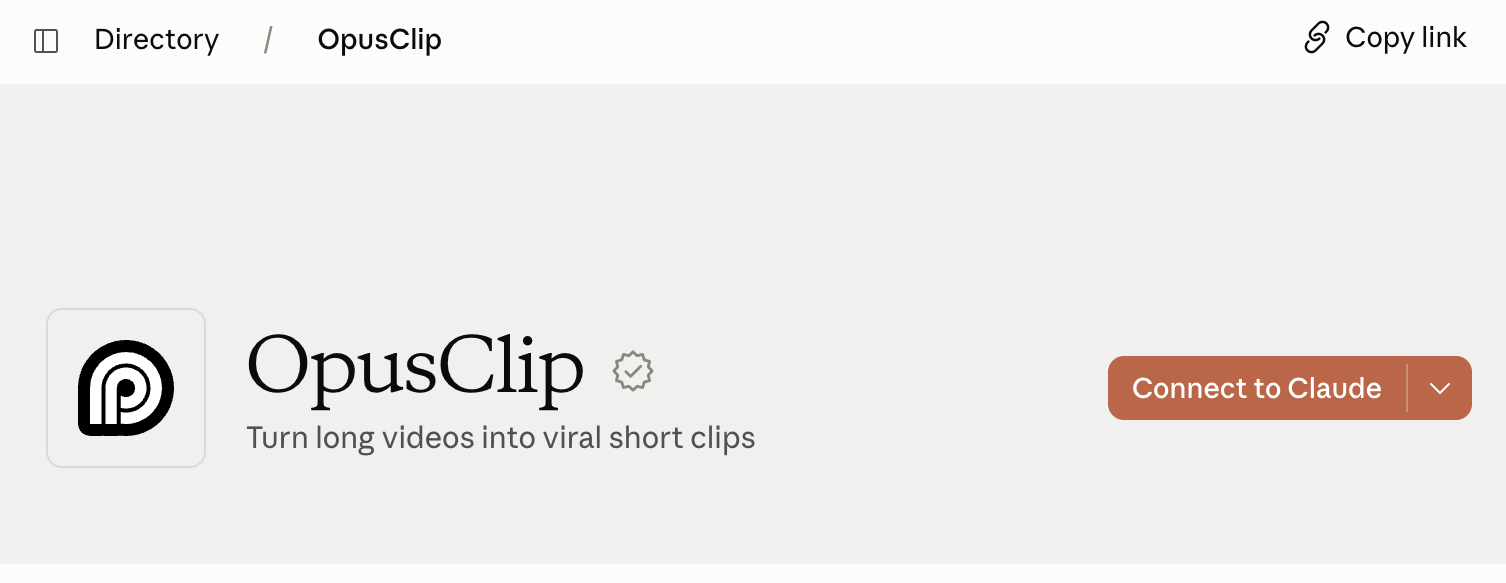
OpusClip is now an official Claude connector, so you can easily add it to Claude in just a few clicks. No API keys, no "MCP" settings. Just click a few buttons and you can start using OpusClip's best features simply by prompting.
There are two ways to add it - Pick whichever is easier for you:
Option 1: From inside Claude chat
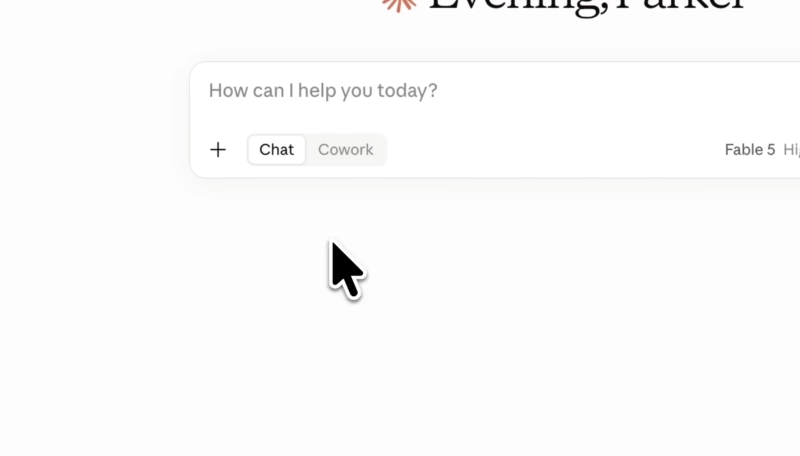
- Open Claude and click the "+" icon
- Go to Connectors → Add connector → Browse connectors
- Search for OpusClip and click it
- Click Connect and approve the connection inside of OpusClip
Option 2: From the Claude directory
- Go to Claude directory
- Click the button Connect to Claude
- Approve the connection inside of OpusClip, and you're ready to start prompting