improved
OpusClip
Create your own Brand Vocabulary in Asset Library!
Still repeatedly fixing the same wrong words?
Add proper words to Brand Vocabulary. Then they'll be transcribed accurately and consistently across all clips — hugely increasing your editing efficiency!
1️⃣ Entry 1
Create your own Brand Vocabulary in four steps:
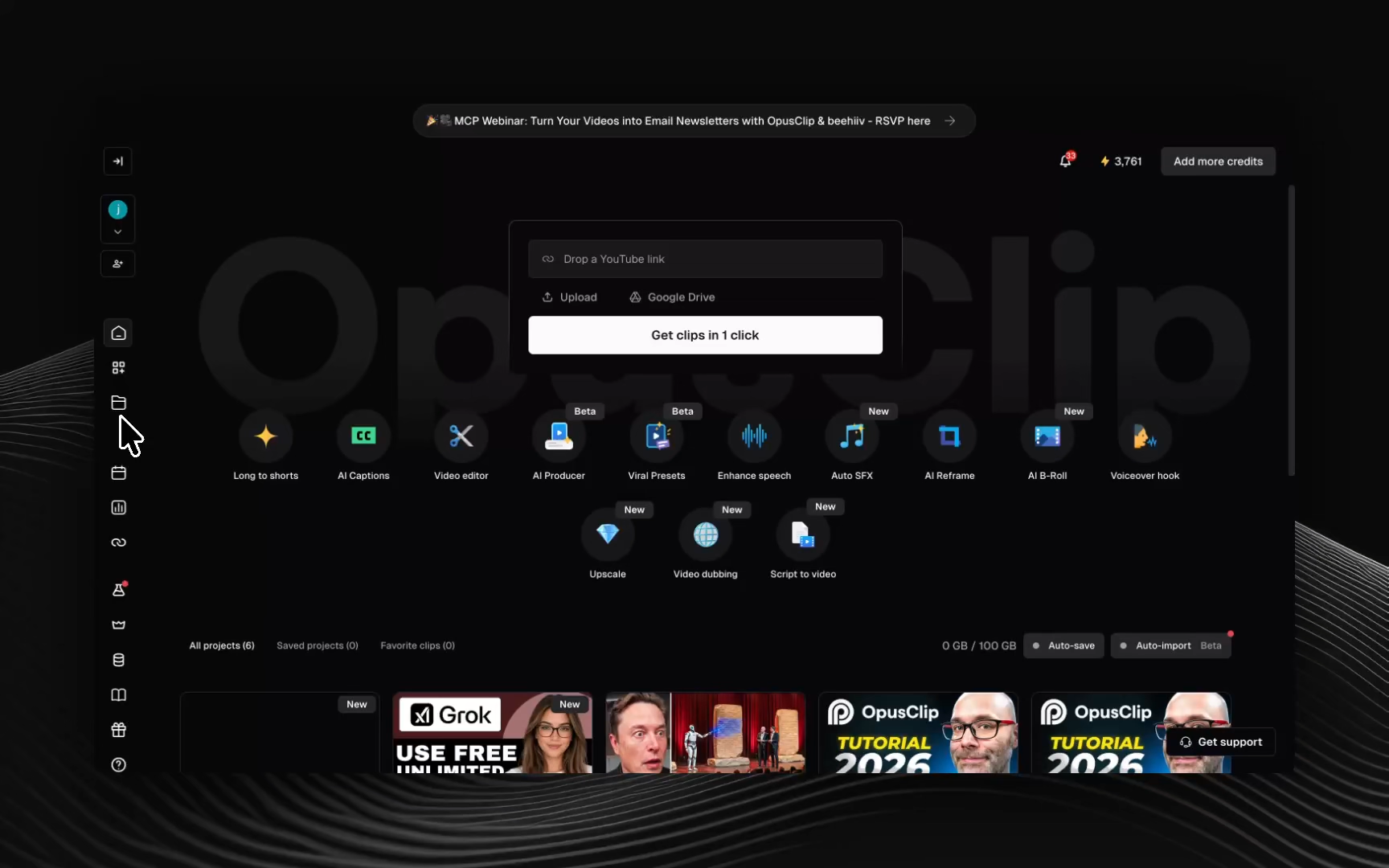
- Open Asset Library
- Under Brand Vocabulary, click Add proper nouns
- Enter the brand names, people, products, or other terms you want recognized
- Click Add to Brand Vocabulary
2️⃣ Entry 2
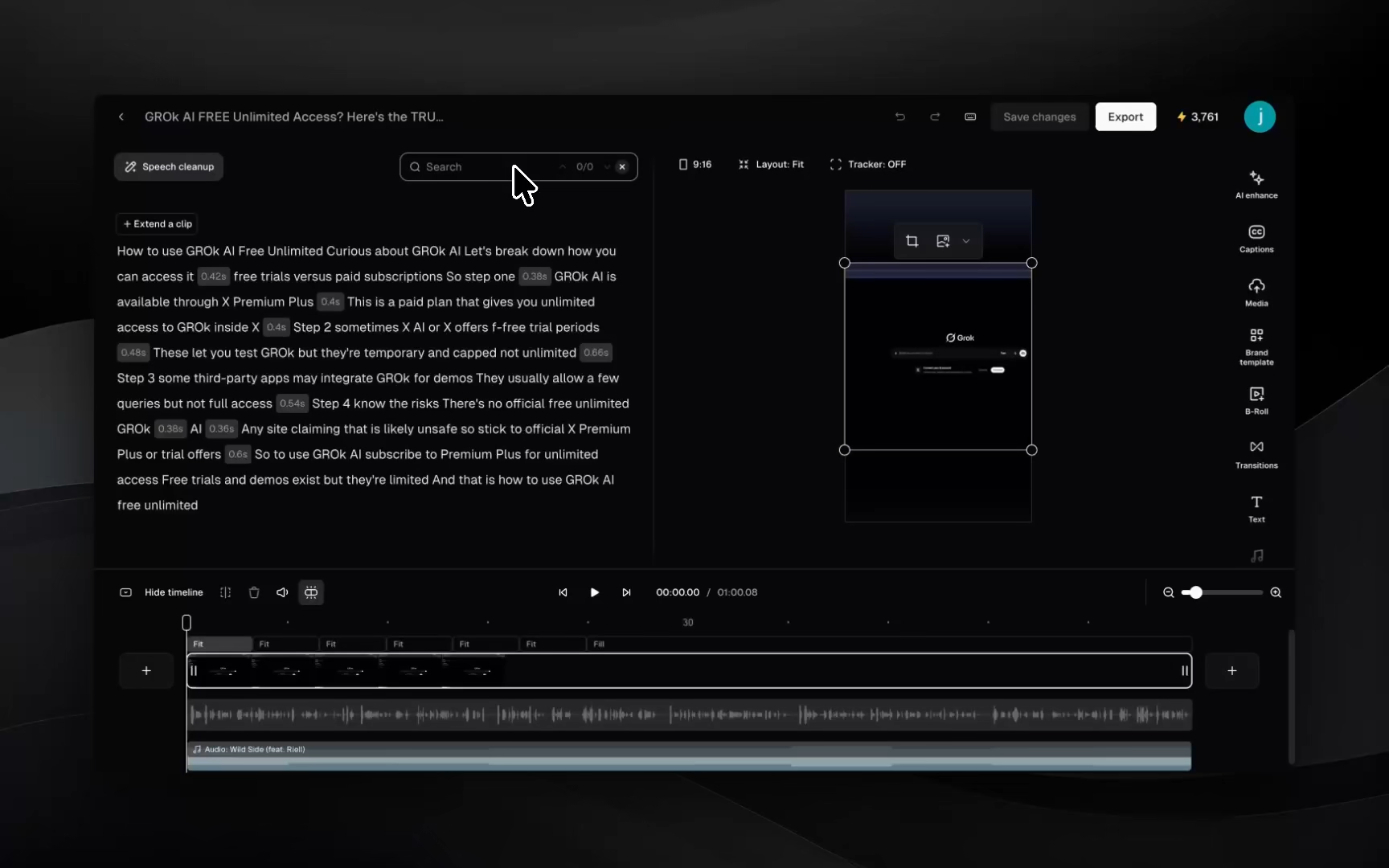
Already in the editor? Select the incorrect word, correct it, and click Add to Brand Vocabulary.
The correction will be applied throughout the current clip and saved for future clips.
Open the Asset Library and look for Brand Vocabulary to try it out!