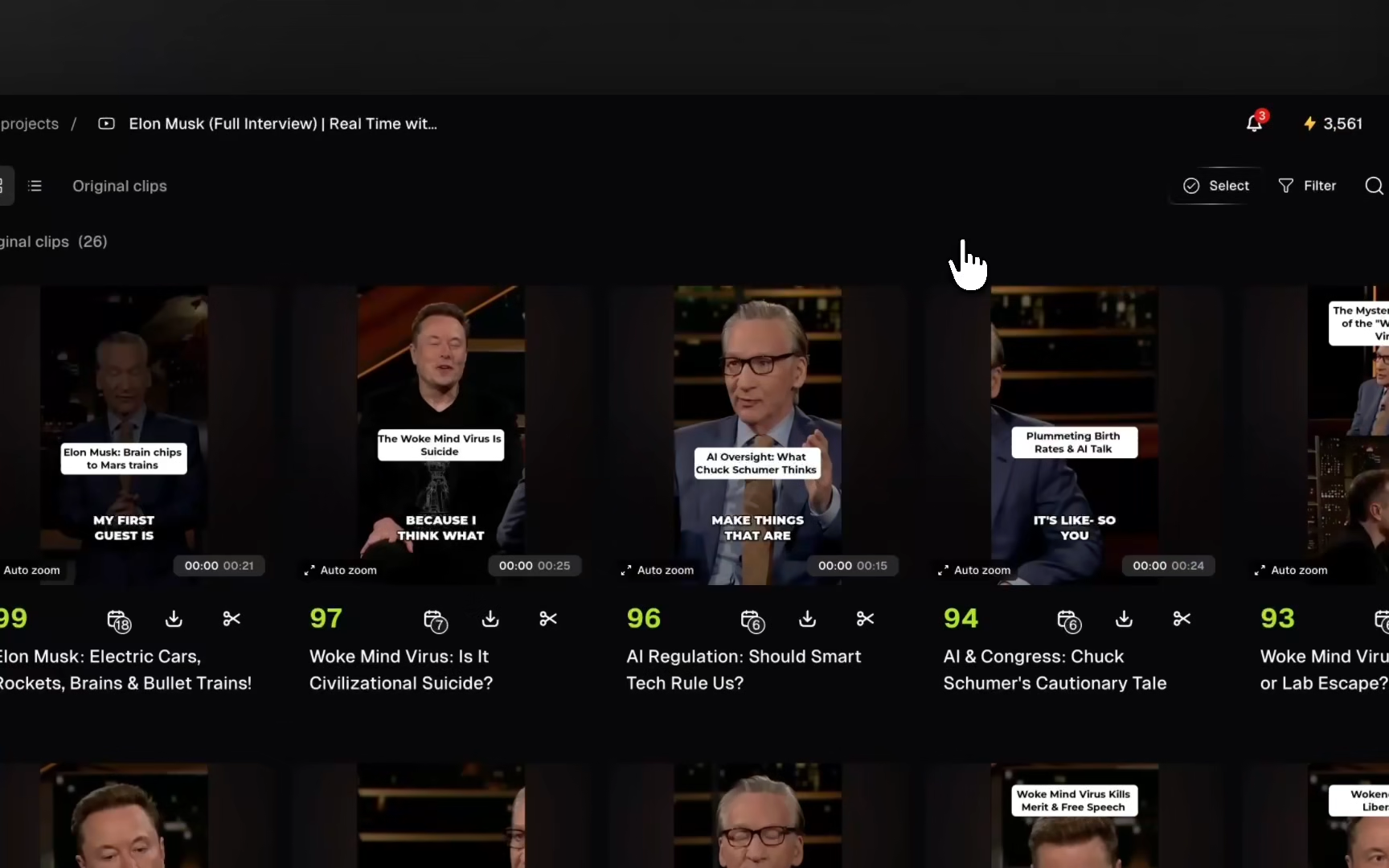
You can now publish your clips to
Pinterest, Threads, and Bluesky
directly from OpusClip! Available on Pro plans and above.Connect and publish in 3 steps
- Go to Social accountsin the sidebar to connect your accounts, or add an account while publishing.
- Select the Pinterest, Threads, or Bluesky account you want to post to.
- Choose Schedule for later or Publish now. Your post will appear on the selected account once it goes live.

Posting to Pinterest? Choose a board first.
Don’t have a board yet? Create one on Pinterest, then return to OpusClip and refresh to continue publishing.